

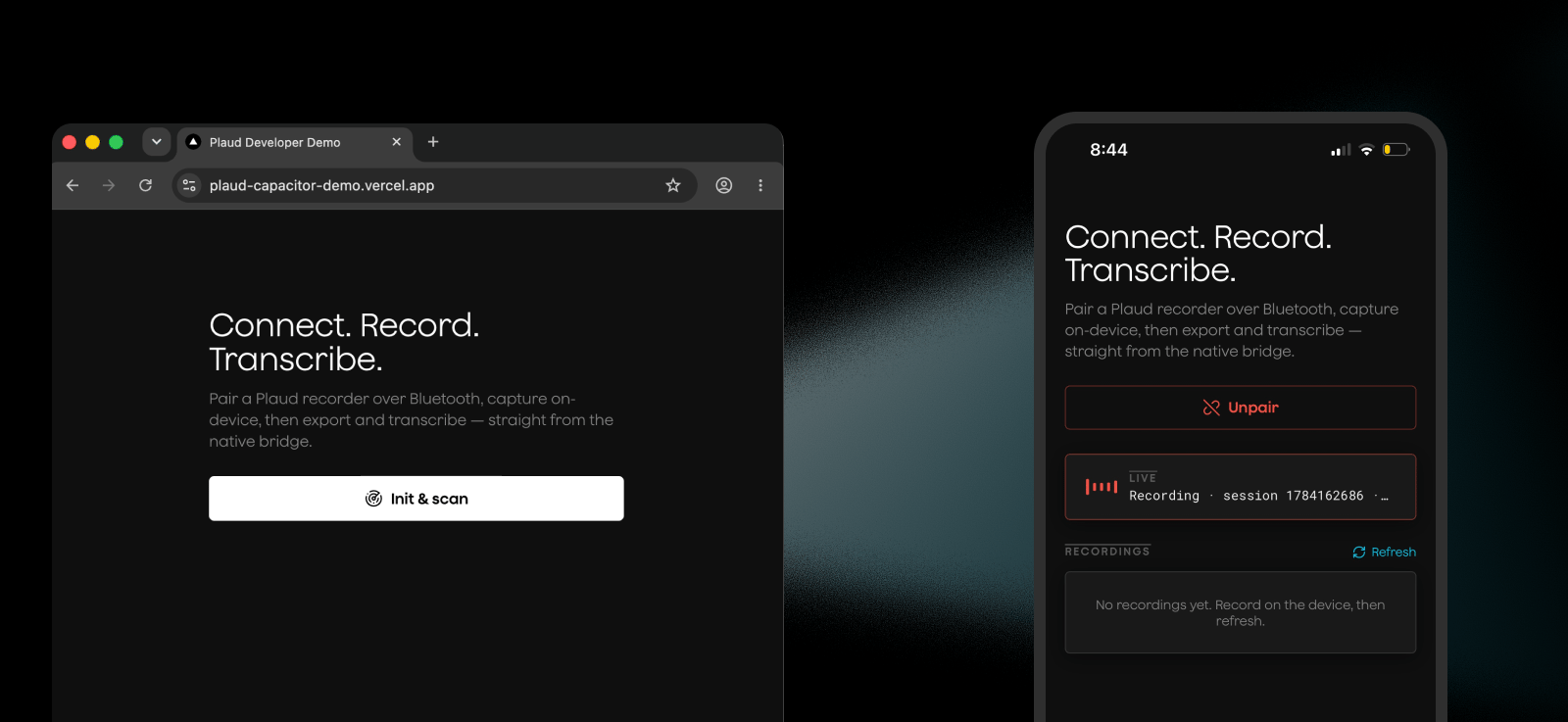
- Connecting to Plaud Devices
- Syncing audio files
- Transcription
For advanced usage of the Embedded SDK methods for use cases like WiFi fast transfers, we recommend adding more methods to this plugin or using the native Embedded iOS SDK or Embedded Android SDK directly
Video Walkthrough
How it works
Capacitor is a runtime to run web apps on native platforms. It works by wrapping your web app in a native shell, while Capacitor’s bridge sends data from your web app to native features like iOS APIs and BLE.Running the Demo App
The demo app is included in the Plaud Embedded plugin as reference for implementing the plugin in your own app and seeing how everything works.1
Clone the Embedded Capacitor repo
2
Install dependencies and set up env vars
3
Build the app
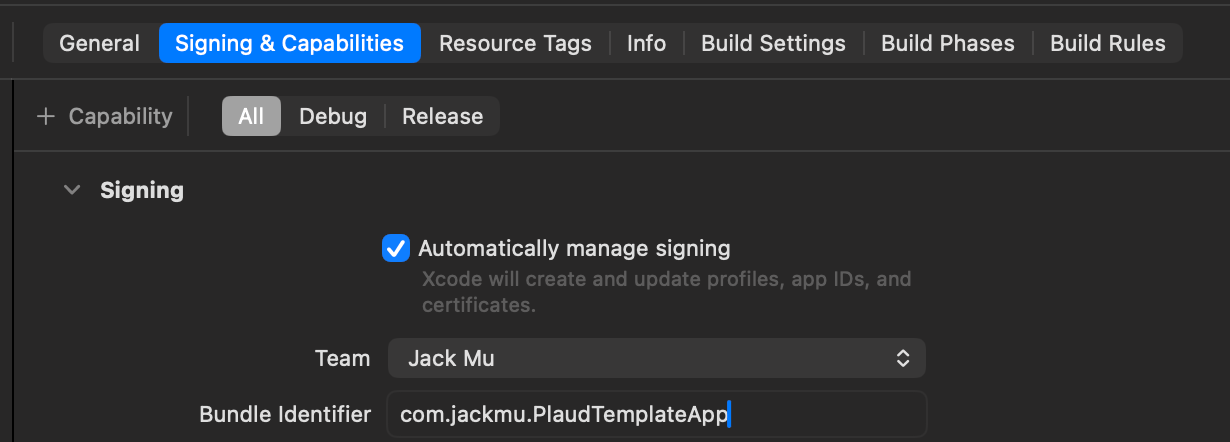
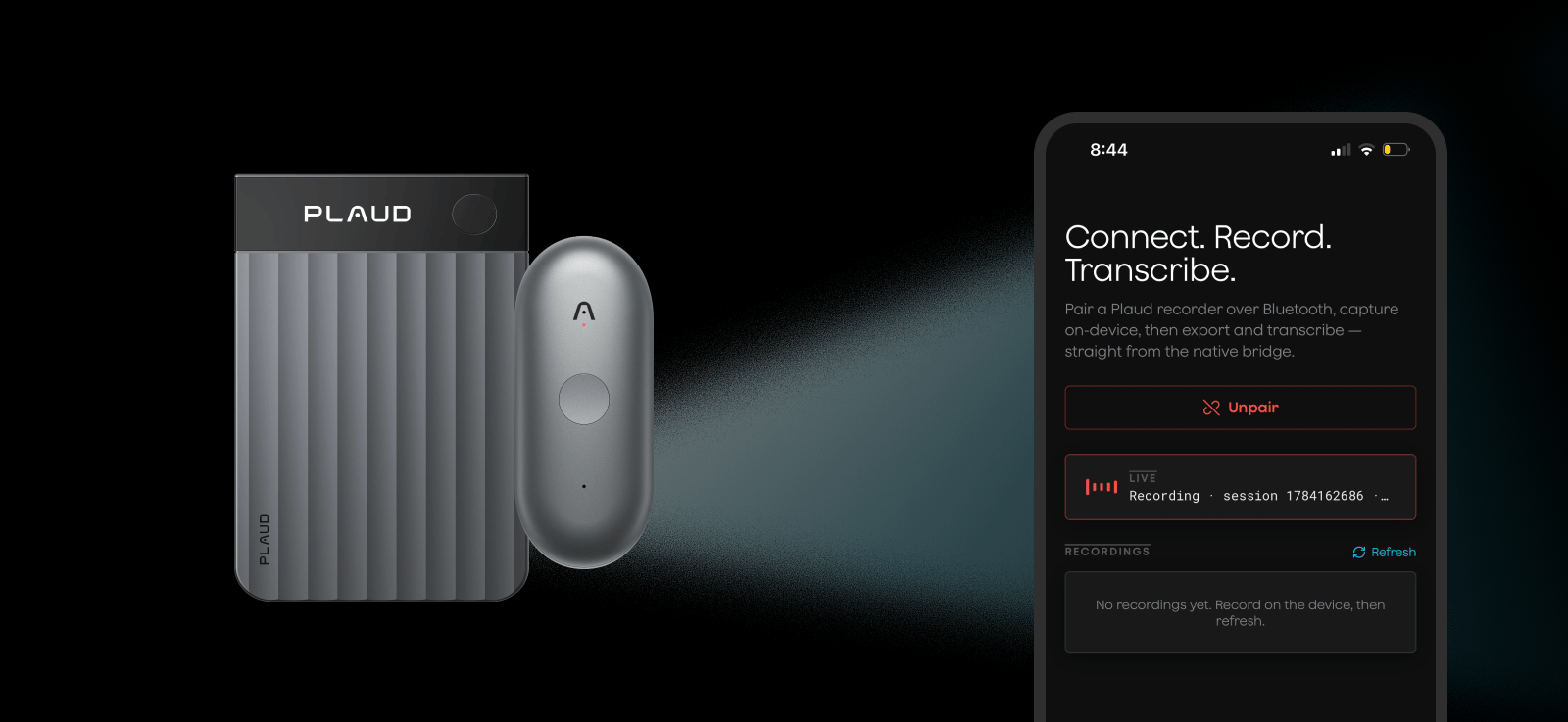
Setting Up Plaud Embedded’s Capacitor Plugin
Step 1: Clone our Embedded Capacitor Repo
- PlaudPlugin for Capacitor runtime
- Typescript interfaces and utility functions for the PlaudPlugin
- A sample app with a NextJS application using the Capacitor wrapper to work as a native iOS app
- Plaud Capacitor Wrapper Skill for agents to implement the Plaud Plugin and the Capacitor runtime wrapper
Step 2: Setup Capacitor
1
2
Then initialize Capacitor to setup your Capacitor configs
3
Lastly, add ios to your capacitor project and sync your web app
Step 3: Setup the PlaudPlugin
1
Copy plugin
For iOS
Copy theios/PlaudPlugin/ framework and paste into the ios/ directory.For Android
Copyandroid/app/libs/plaud-sdk.aar into your android/app/libs/ directory.Then, copy android/app/src/main/java/ai/plaud/pwademo/PlaudSdkPlugin.java into your app’s
package directory, and change its package declaration to match your applicationId.2
Setup the PlaudPlugin
3
Declare dependencies and permissions
For iOS
LinkPlaudPlugin into the App target in Xcode.Open the project (npx cap open ios), then File -> Add Package Dependencies -> Add Local,Select ios/PlaudPlugin, and add the PlaudPlugin library product to the App target (the same way CapApp-SPM is already linked).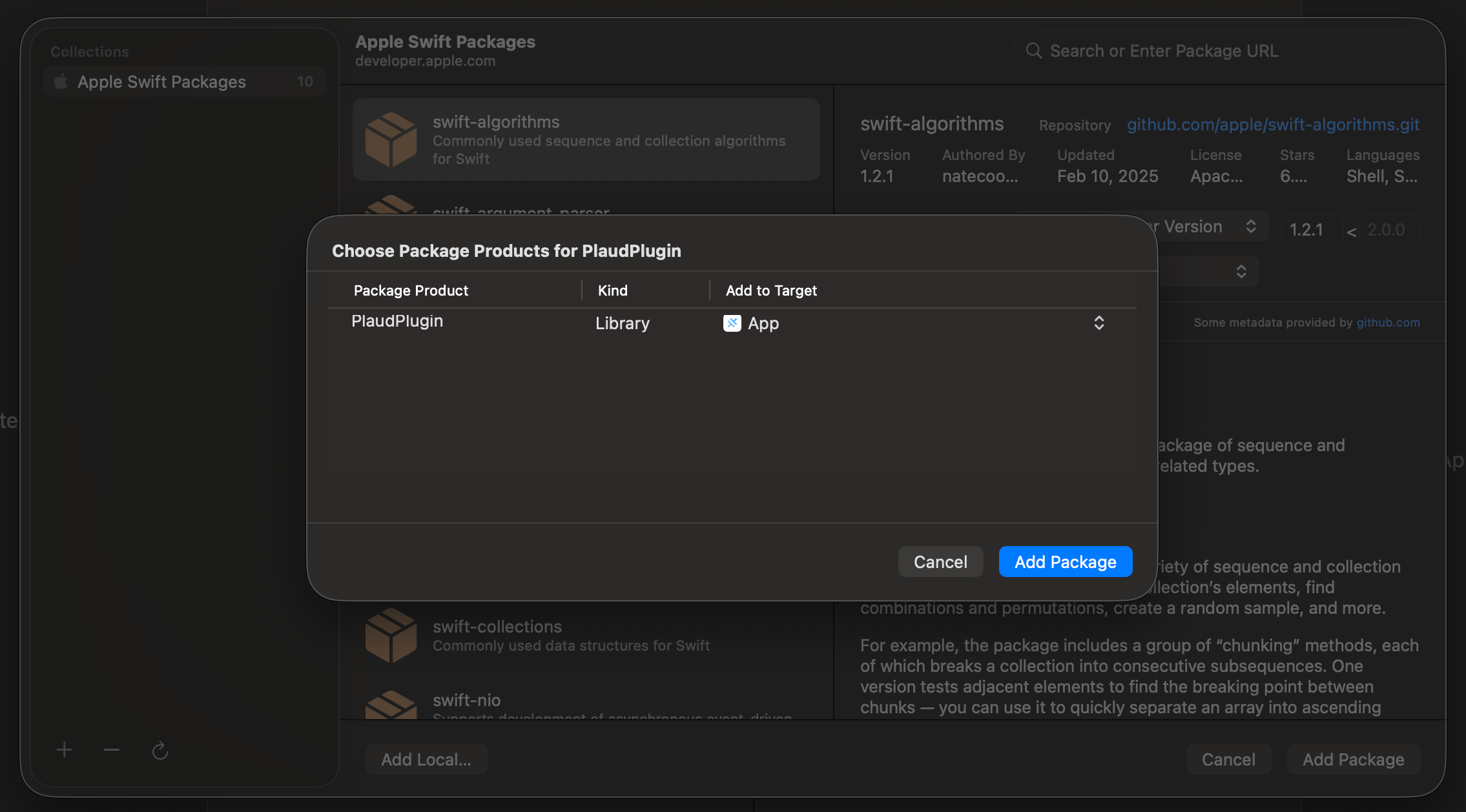
ios/App/App/Info.plistFor Android
Declare all dependencies as the SDK does not come with apom.xml file.android/variables.gradle:4
Point Capacitor to your web app
Lastly, point the native shell at your web app’s URL. Set this in the root
capacitor.config.ts — that’s the source of truth.Start Using Plaud Embedded in Your “Web App”
With Capacitor, your web app can stay a web app AND be a native iOS app!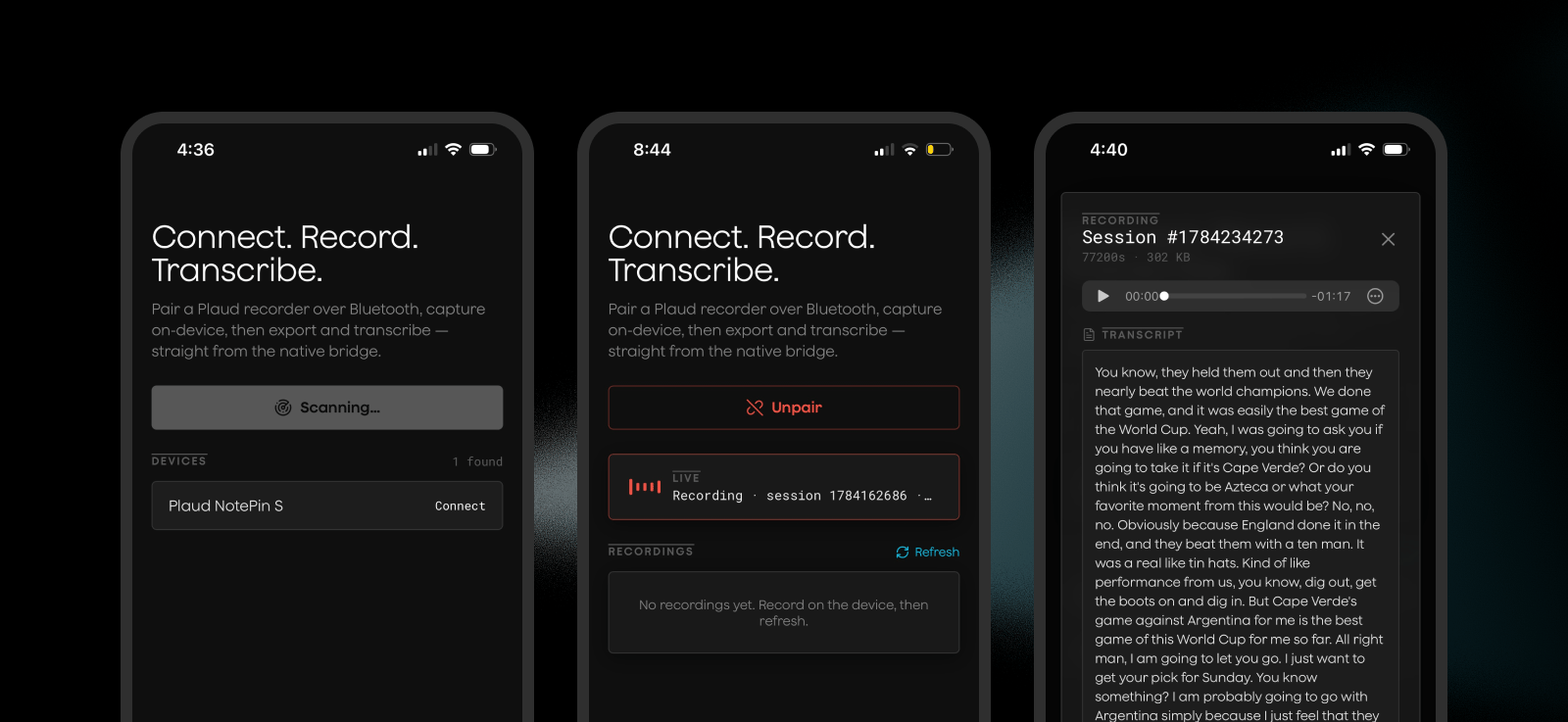
plaud-sdk.ts as a convenient typescript interface for interacting with the native iOS Plaud SDK, and write logic for connecting to devices, exporting audio, and triggering transcriptions directly from your web app.
For the full list of relevant SDK methods for interacting with Plaud devices, see our iOS SDK reference and Android SDK reference.