> ## Documentation Index
> Fetch the complete documentation index at: https://docs.plaud.ai/llms.txt
> Use this file to discover all available pages before exploring further.
# Authentication APIs
> Authenticate to Plaud APIs to connect (bind) devices to your mobile app and use the Transcription API
As a Plaud Partner on the developer platform, you will need two types of tokens to authenticate to Plaud Embedded:
1. **Partner Token** - This is an **application-level token** you can use to authenticate all of your users.
2. **User Token** - This is a **user-level token** used to authenticate their device to your mobile app using the [Embedded SDK](/plaud-embedded/ios-sdk).
## Using the Authentication API
### Prerequisites
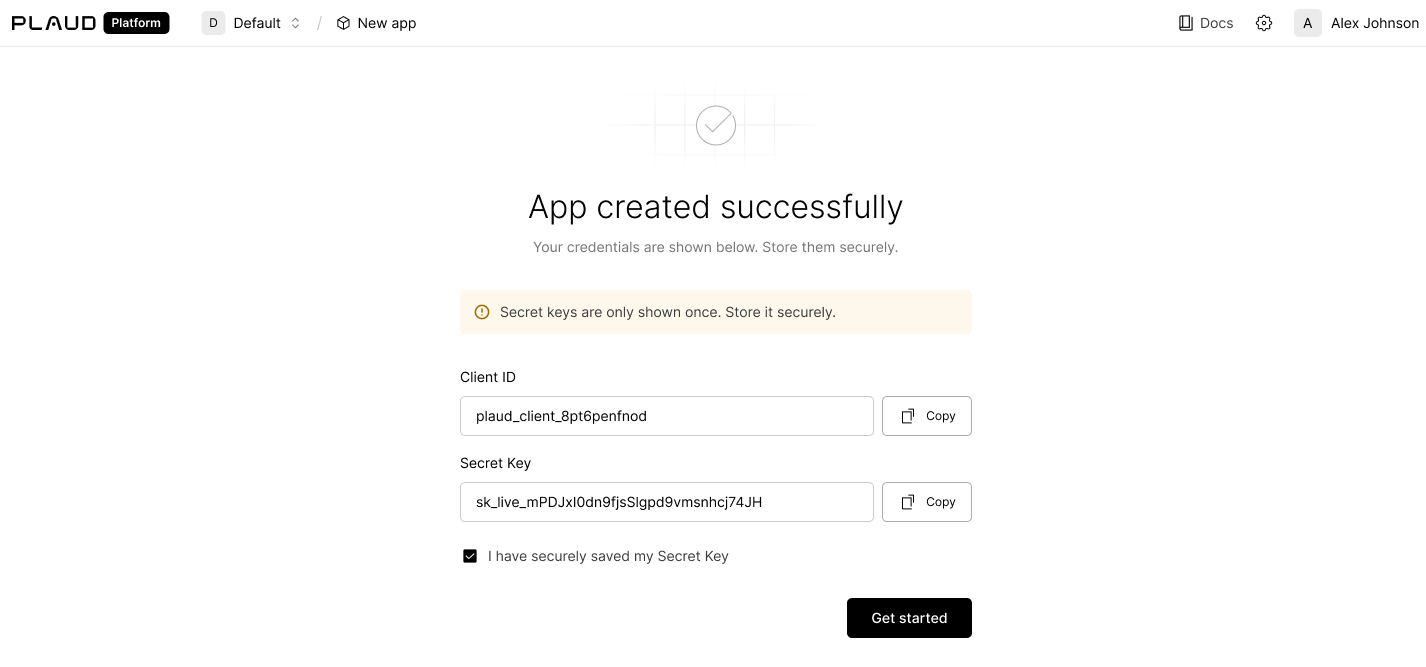
Use Plaud's Authentication APIs to retrieve your Partner Token and User Token using your app's `client_id` and `client_secret` found in the [developer portal](https://portal.plaud.ai/).
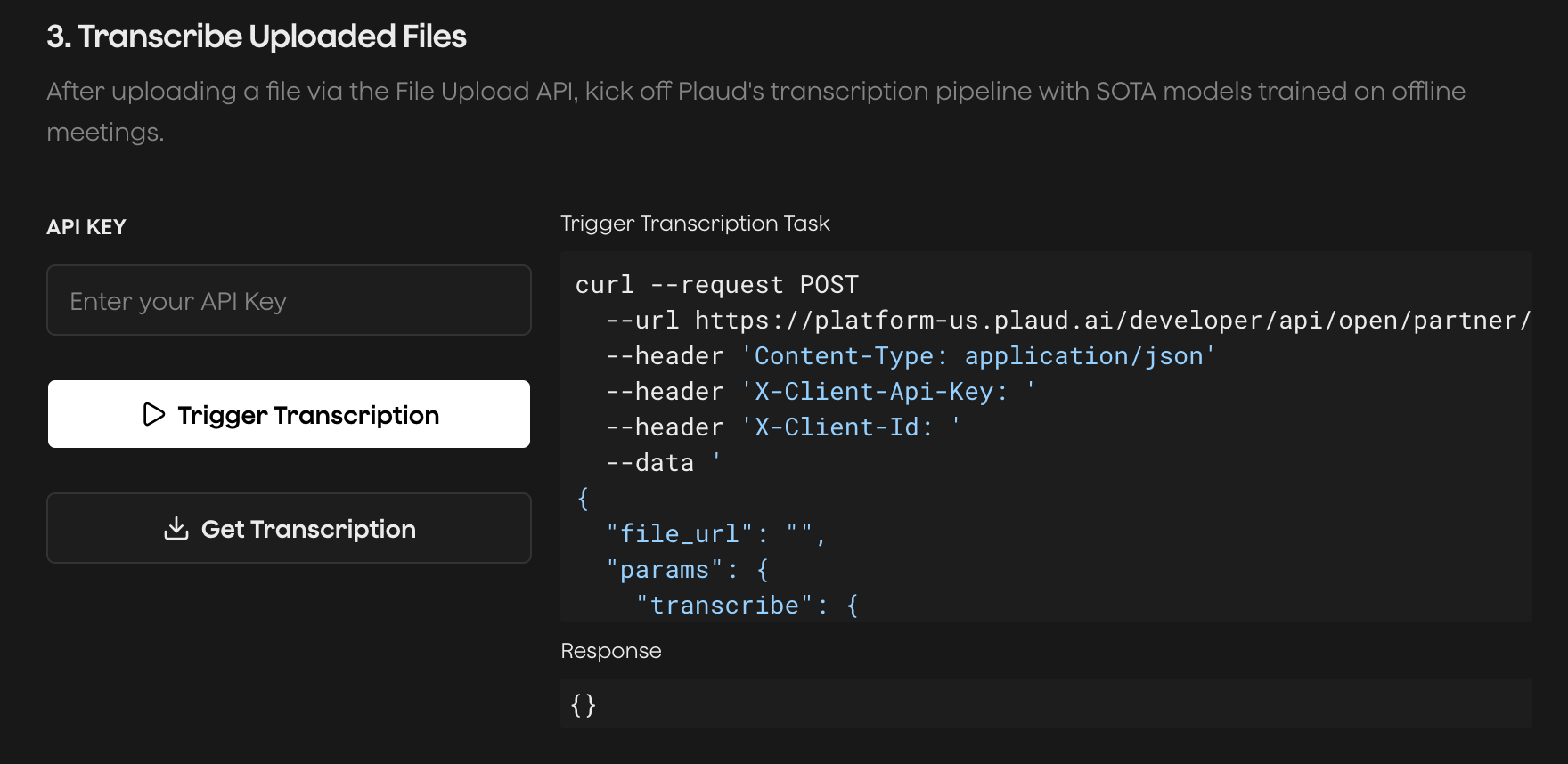
 Try the [Plaud Embedded API Playground](https://plaud-embedded-playground.vercel.app/) to see every step of the transcription process with your own client credentials.
End-to-end, from **authentication** to **recording audio** to **uploading** to **transcription**.
Try the [Plaud Embedded API Playground](https://plaud-embedded-playground.vercel.app/) to see every step of the transcription process with your own client credentials.
End-to-end, from **authentication** to **recording audio** to **uploading** to **transcription**.
 ### Exchange Credentials for a Partner Token
The Partner Token is an application-level token to issue user-level tokens.
```http theme={"system"}
POST https://platform-us.plaud.ai/developer/api/oauth/partner/access-token
Authorization: Basic base64(client_id:secret_key)
Content-Type: application/x-www-form-urlencoded
```
```json theme={"system"}
{
"access_token": "eyJhbGciOiJSUz...",
"refresh_token": "eyJhbGci...",
"token_type": "bearer",
"expires_in": 3600
}
```
### Mint a User Token with Your Partner Token
The User Token is a user-specific token. This token will be used in the [Embedded SDK](/plaud-embedded/ios-sdk) to bind to your users' devices and upload files.
```http theme={"system"}
POST https://platform-us.plaud.ai/developer/api/open/partner/users/access-token
Authorization: Bearer
Content-Type: application/json
{
"user_id": "",
"expires_in": 86400
}
```
```json theme={"system"}
{
"access_token": "eyJhbGci...",
"token_type": "bearer",
"expires_in": 86400
}
```
Plaud's cloud services are hosted in the U.S. by default. If you're
interested in multi-region hosting in Japan, Europe, and Singapore,
please [reach out to our sales team](https://dev.plaud.ai/contact).
### Exchange Credentials for a Partner Token
The Partner Token is an application-level token to issue user-level tokens.
```http theme={"system"}
POST https://platform-us.plaud.ai/developer/api/oauth/partner/access-token
Authorization: Basic base64(client_id:secret_key)
Content-Type: application/x-www-form-urlencoded
```
```json theme={"system"}
{
"access_token": "eyJhbGciOiJSUz...",
"refresh_token": "eyJhbGci...",
"token_type": "bearer",
"expires_in": 3600
}
```
### Mint a User Token with Your Partner Token
The User Token is a user-specific token. This token will be used in the [Embedded SDK](/plaud-embedded/ios-sdk) to bind to your users' devices and upload files.
```http theme={"system"}
POST https://platform-us.plaud.ai/developer/api/open/partner/users/access-token
Authorization: Bearer
Content-Type: application/json
{
"user_id": "",
"expires_in": 86400
}
```
```json theme={"system"}
{
"access_token": "eyJhbGci...",
"token_type": "bearer",
"expires_in": 86400
}
```
Plaud's cloud services are hosted in the U.S. by default. If you're
interested in multi-region hosting in Japan, Europe, and Singapore,
please [reach out to our sales team](https://dev.plaud.ai/contact).